Play Soundv5
The Play Sound action plays a sound while the associated form control is being used. It is typically used to provide audible feedback or notifications for user actions.
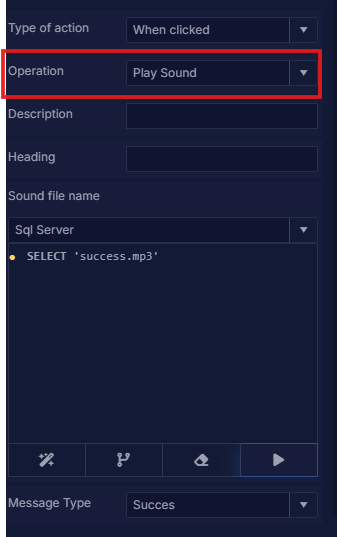
Properties
Sound File Name
Specifies the name of the sound file to be played.
Example:
SELECT 'success.mp3'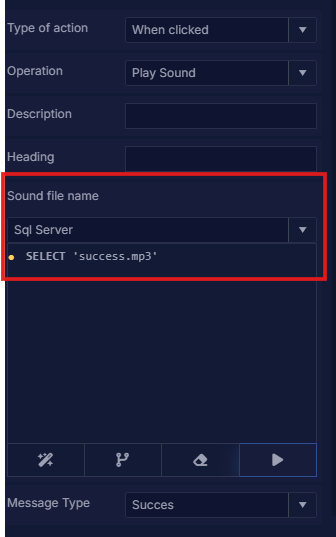
Note: Sound files are stored in the Xpoda Client\Sound folder on the server where Xpoda is installed. In addition to the default sound files, you can copy your own audio files into this folder and use them by specifying their file names in the Sound File Name property.
 AI Assistant