Deletev5
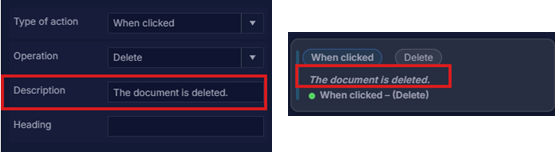
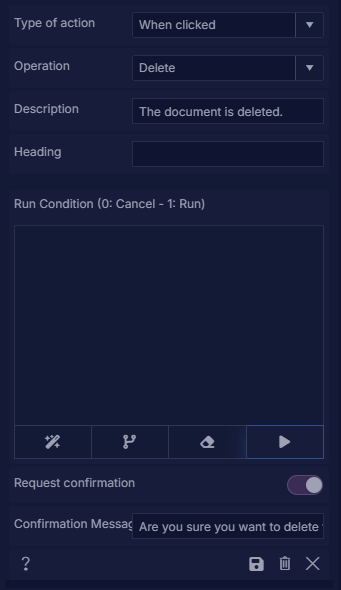
This action deletes the current document using a form control instead of the default Delete button located in the lower-right corner of the Client screen. PropertiesDescription: Specifies a description for the action. This description serves as a reference for developers, indicating the purpose of the action. The entered value is displayed in the Actions menu.
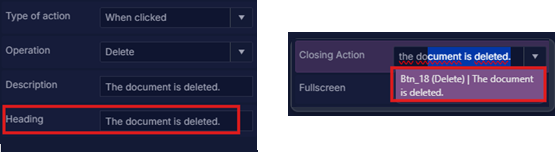
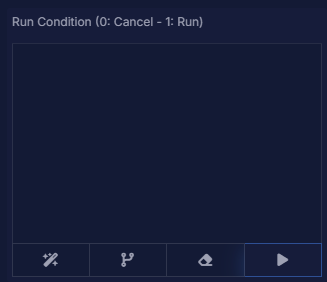
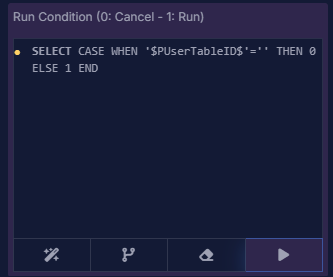
Heading: Defines the name displayed in the Form Action list. The heading is also displayed when the Delete action is selected from other actions. Run Condition: If the query entered in this field returns '0', the action will not be executed.
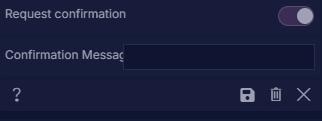
Request Confirmation: Determines whether confirmation is required before executing the action. When enabled, the Confirmation Message property becomes available, allowing you to define the message displayed to the user before the document is deleted.
Example 1
To delete a document using a custom button, assign the Delete action to the button's When Clicked event.
If you do not want the default Delete button to appear in the lower-right corner of the Client screen, disable the Remove property in the form settings.
This enables the Confirmation Message property, where you can specify the message displayed to the user. If the user selects Yes, the document is deleted. If No is selected, the operation is cancelled.
Example 2
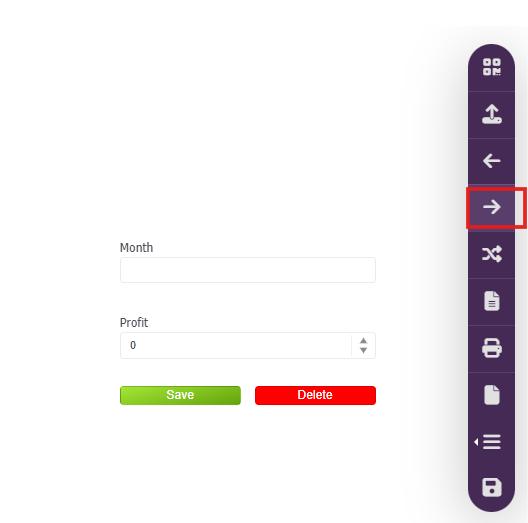
In the previously created XP_TEST form, you can navigate through saved records using the Next Record button located in the lower-right corner of the Client screen.
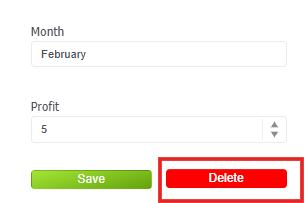
After opening an existing record, click the custom Delete button that uses the Delete action to remove the selected document.
Example 3
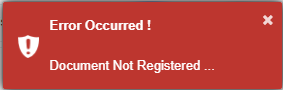
To prevent this, define a Run Condition for the Delete action.
If the form has not been saved previously, the '$PUserTableID$' parameter is empty. By checking this value in the Run Condition, you can prevent the action from executing on new, unsaved forms, ensuring that only existing records can be deleted. |


 AI Assistant