Newv5
This action allows opening a new form page without performing a save operation on the related form.
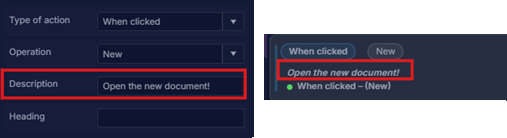
PropertiesDescription: A description related to the action is entered. This description serves as a reference field for developers to understand the purpose of the action and where it is used. The value entered here corresponds to the related field displayed in the Actions menu.
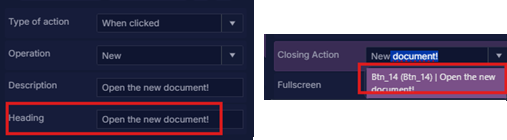
Heading: Specifies the name of the action when it is added as a Form Action. The defined name of the New action represents the text displayed in the selection area when the action is triggered within other actions.
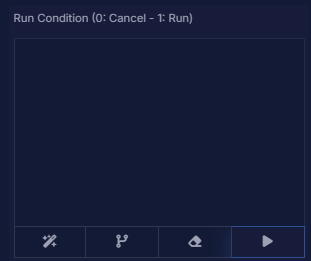
Run Condition: If the value entered in this query is "0", the related action will not be executed.
Request Confirmation: Determines whether confirmation is required before running the action. If Request Confirmation is enabled, the Confirmation Message property becomes available and the message displayed during the confirmation request can be entered.
Example Usage
If the form needs to be reset and the record data displayed on the Client screen needs to be cleared, the form refresh operation must be performed when the new record feature is active.
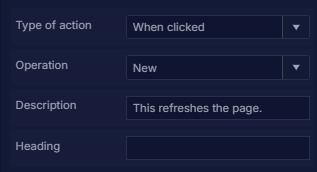
A button is added to the form, and a New action is created with the When Clicked event.
When the button is clicked, the data in the controls is cleared. This operation refreshes the form. |



 AI Assistant