Open Form - Newv5
The Open Form - New action is used to open another form from the current project or from a different project. The target form can be displayed in the same tab, a new tab, a new window, or the right-side panel.
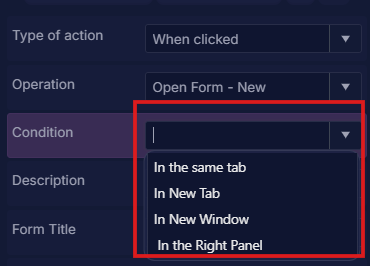
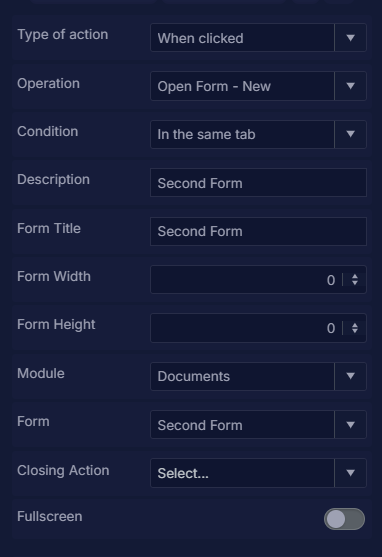
PropertiesCondition:Specifies how the target form will be opened. Available options:
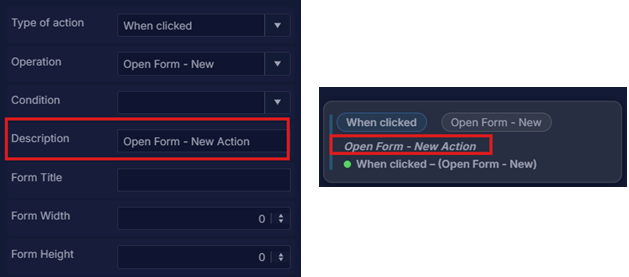
Description:Enter a description of the action. This field serves as a reference for developers to describe the purpose of the action.
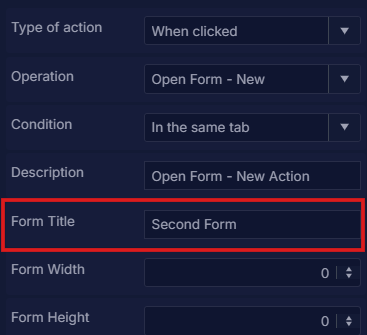
Form Title:Specifies the title displayed for the form when it is opened.
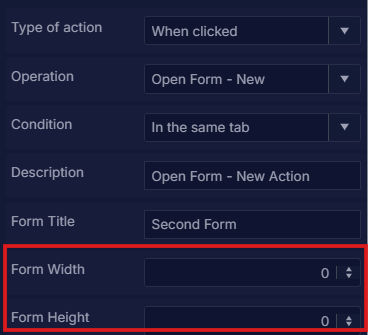
Height / Width:Defines the height and width of the window when Condition is set to In New Window.
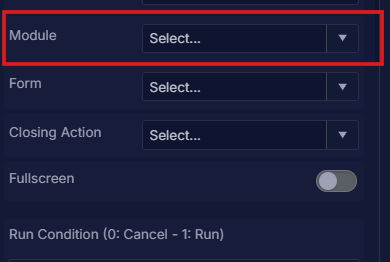
Module:Select the project that contains the form to be opened. If the target form belongs to the current project, this property can be left empty.
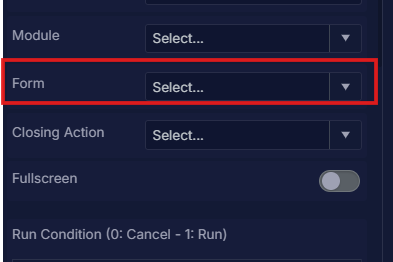
Form:Select the form that will be opened.
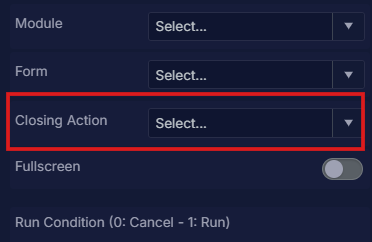
Closing Action:Specifies an existing form action to be executed when the opened form is closed.
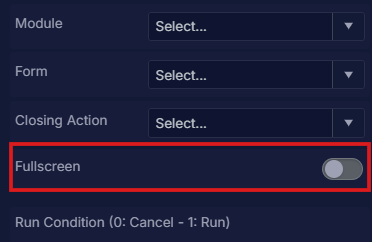
Full Screen:Determines whether the target form opens in full-screen mode.
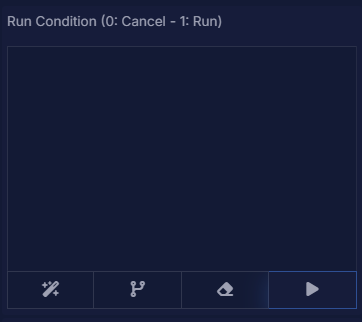
Run Condition:If the SQL query entered in this field returns 0, the action will not be executed.
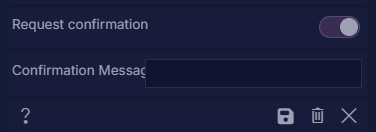
Request Confirmation:Determines whether the user should be asked for confirmation before the action is executed. When enabled, the Confirmation Message property becomes available, allowing you to define the confirmation message displayed to the user.
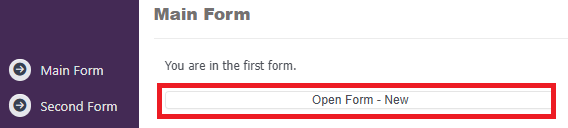
Example UsageThe Open Form - New action is commonly assigned to a button to navigate to another form. For example:
When the user clicks the button, the selected form opens according to the specified opening mode. Note: This action is not dependent on a linked form or record. It can be used to open any accessible form from the current project or another project.
|


 AI Assistant