Open Tabv5
The Open Tab action allows you to switch between tabs within a form.
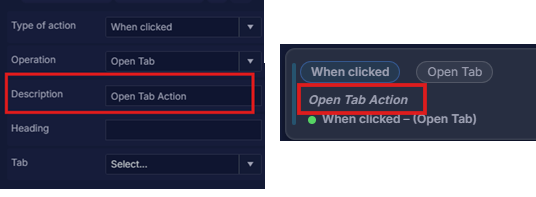
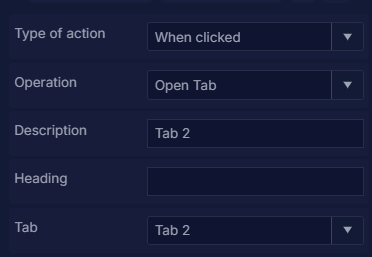
PropertiesDescription: Enter a description of the action. This field serves as a reference for developers to describe the purpose of the action.
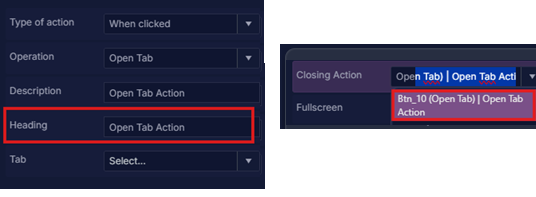
Heading : Specifies the name displayed in the Form Actions list when the action is added to a form.
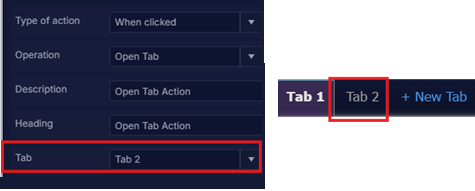
Tab : Select the tab that will be opened when the action is executed.
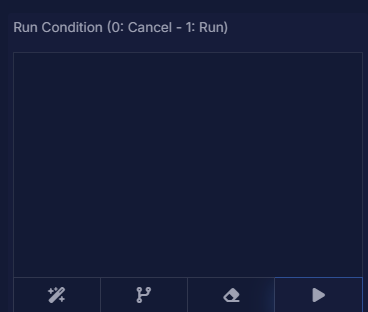
Run Condition : If the SQL query entered in this field returns 0, the action will not be executed.
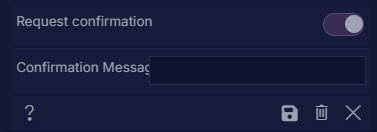
Request Confirmation : Determines whether the user should be asked for confirmation before the action is executed.When enabled, the Confirmation Message property becomes available, allowing you to define the confirmation message displayed to the user.
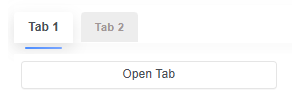
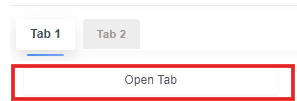
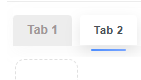
Example UsageSuppose a form contains two tabs, and you want to switch from the first tab to the second by clicking a button.
When the button is clicked, the selected tab is opened automatically.
|

 AI Assistant