Send SMSv5

Properties
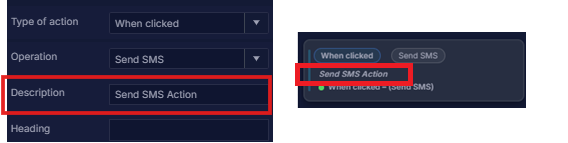
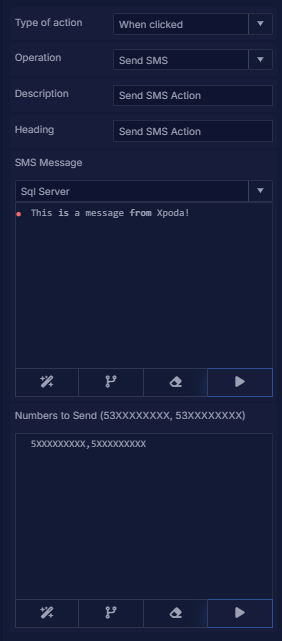
Description: Enter a description for the action.
This description serves as a reference for application developers, helping them identify the purpose of the action and understand why it was used. The value entered here is displayed in the corresponding field in the Actions menu.
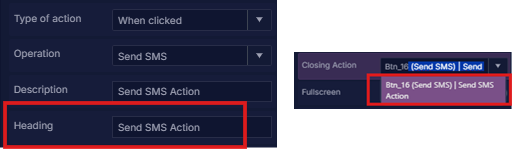
Heading: Specifies the name displayed in the Actions list when the action is added as a form action.
When the designed Send SMS action is triggered from another action, this value represents the text displayed in the selection list.
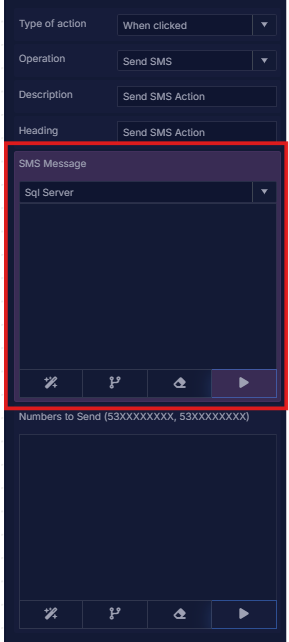
SMS Message: Specifies the content of the SMS message to be sent.
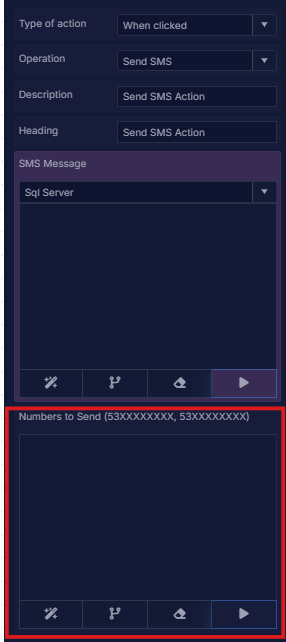
Numbers to Send: Specifies the recipient phone numbers. Enter each mobile phone number as a 10-digit number, separated by commas.
Example:
5900000000,5900000001
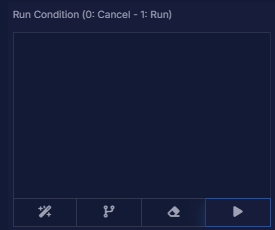
Run Condition: If the query entered in this field returns 0, the action will not be executed.
Request Confirmation: Select whether confirmation should be requested before the action is executed. When Request Confirmation is enabled, the Confirmation Message property becomes available, allowing you to specify the message displayed in the confirmation dialog.

Example
To send an SMS message, add a button named Send SMS Message to the form.
Configure the button with the When Clicked → Send SMS action.
In the action properties, enter the message text in the SMS Message field and specify the recipient phone number(s) in the Numbers to Send field.
When the user clicks the button, the SMS message is sent to the specified recipients.
 AI Assistant