User Operationsv5
The User Information section is used to create new user accounts.
To access the Client system and use the designed forms, the user must first be created from the User Information section. After creating the user, the required forms must be assigned to the user’s menu permissions.
Follow the steps below to create a new user:
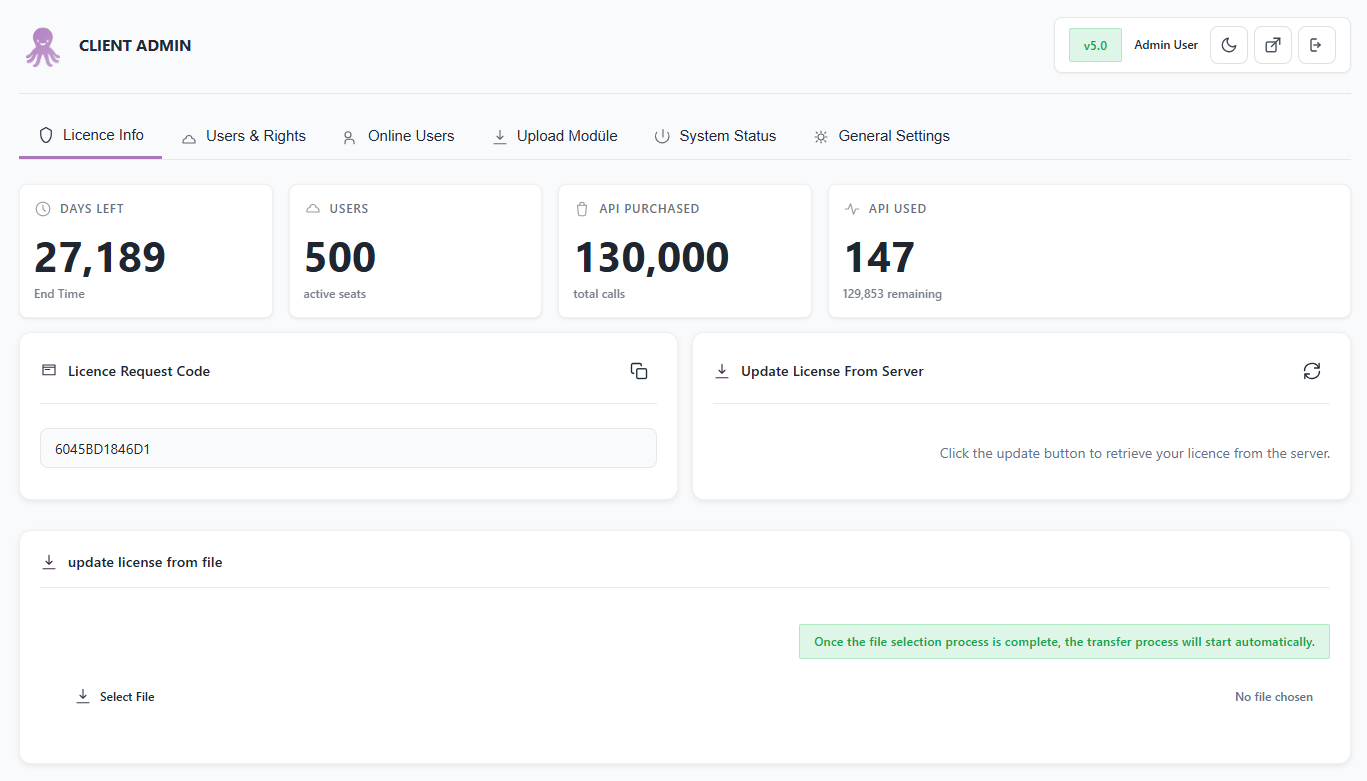
First, open the Administration Panel and select the Users tab. This panel can only be accessed by users with Admin privileges.
The number displayed next to Users indicates the total number of users currently defined in the system.
User creation is performed from the User Information section.
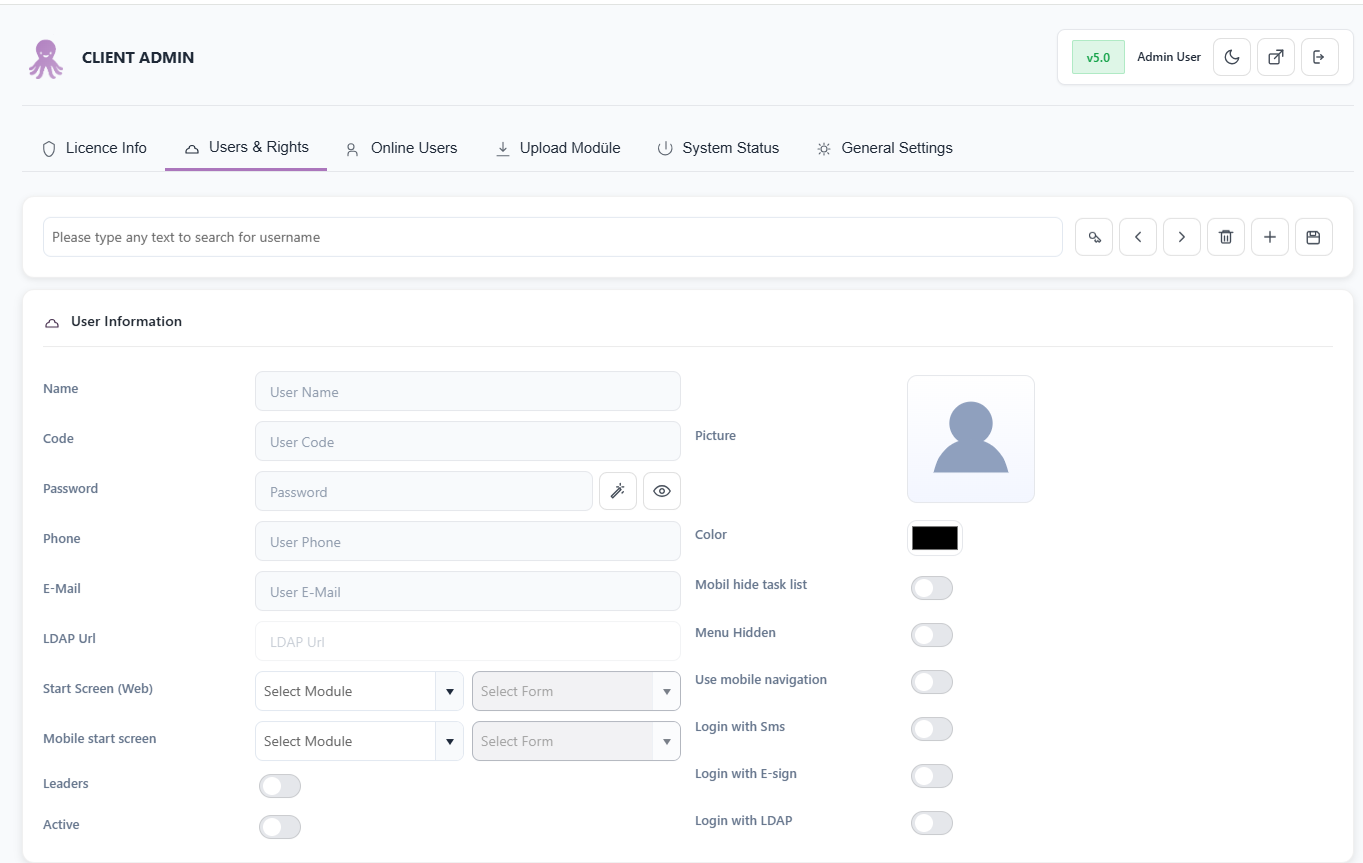
Previously created users are listed in the user selection drop-down field. If any information or permission needs to be updated for an existing user, select the relevant user from this list and make the necessary changes.

 AI Assistant