Linkv5
The form tool used when a link is to be added inside a form. This form tool creates links to other pages.
Appearance in Toolbox | Appearance in Free Form | Appearance in Flexible Form | Appearance in Responsive Form |
|
|
|
|



Compatibility
|
Free Form |
Responsive Form |
Flexible Form |
Mobile |
|
|
|
|
|

Properties of the Link tool |
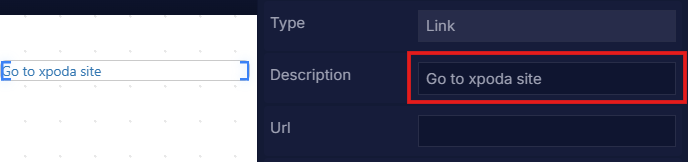
Type (Field Type): Shows the field type of the added form tool. This value cannot be changed. Description: The text shown on the link is entered here.
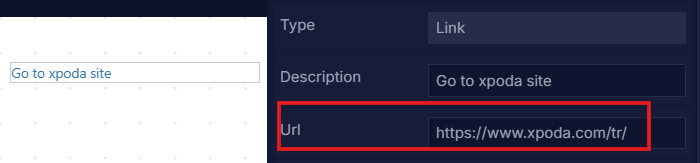
Url: The address to link to is written here. The link must include http:// or https://.
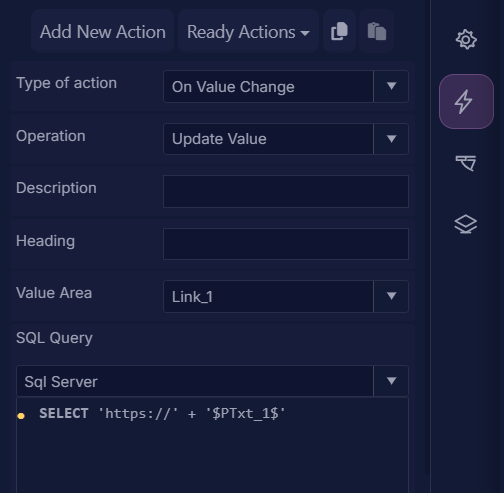
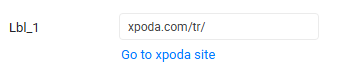
You can also leave the Url field empty and use it dynamically. Let's add a text box to the form and update the link tool with the Update Value action.
The address you type in the text box will update the link tool dynamically.
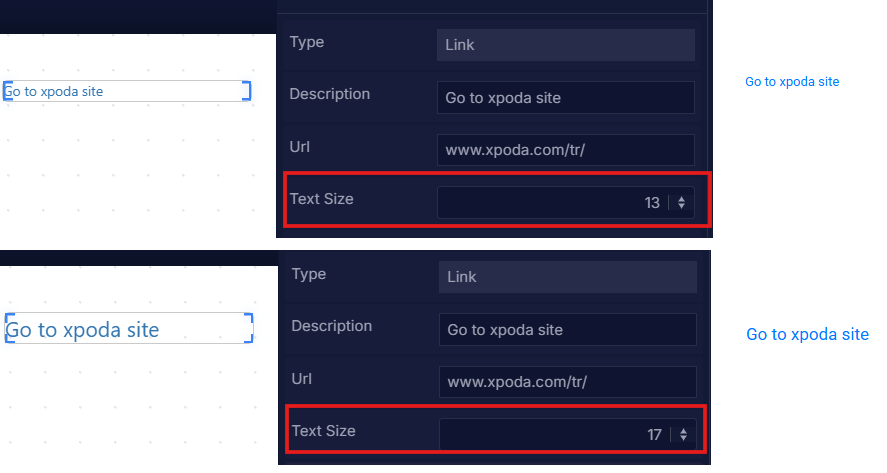
Text Size: Changes the size of the text shown on the link.
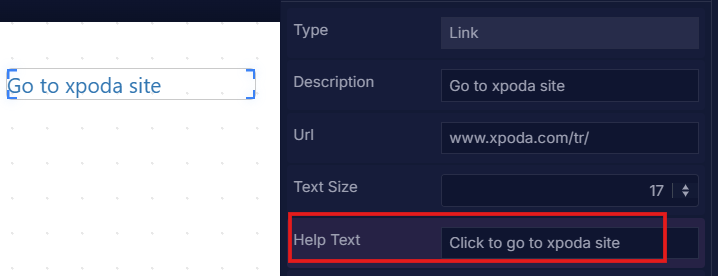
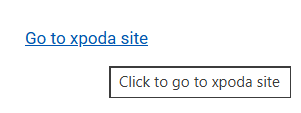
Help Text: Text shown as a description when the mouse is moved over the form tool.
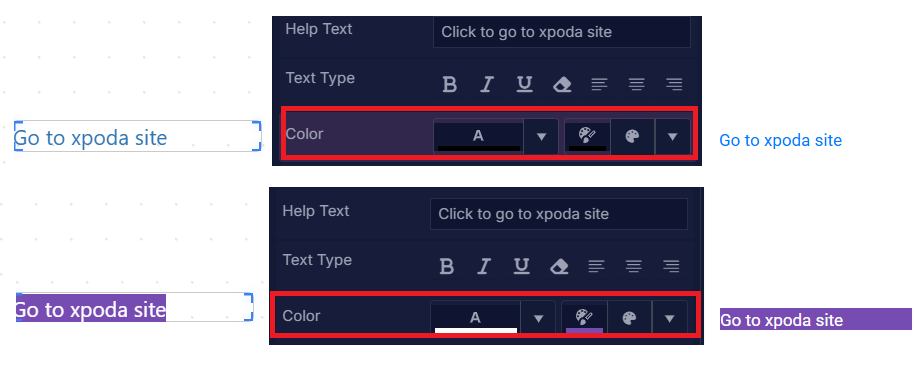
Text Type: Sets the text style (bold, italic, underlined) and alignment (right, left or centred). Color: Sets the colour of the form tool and/or the text inside it.
Height:Sets the height and width of the form tool (the width field has been removed from Responsive Forms). Pin Right:Pins the form tool to the right. |

Actions that can be used in the Link tool
Each form tool added to the form page has different actions. There is no action defined for the Link tool.
 AI Assistant