Labelv5
This flow control is used to write field titles and descriptions.
Flow Items view

Design screen view
Properties
Text: The text displayed on the screen is entered here.
Text Size: Sets the size of the information within the control.
Text Type: Sets the text style such as bold, italic, or underline, and changes the text alignment to left-aligned, right-aligned, or centered.
Color: Adjusts the color within the form control and/or the text inside the control.
Example Usage
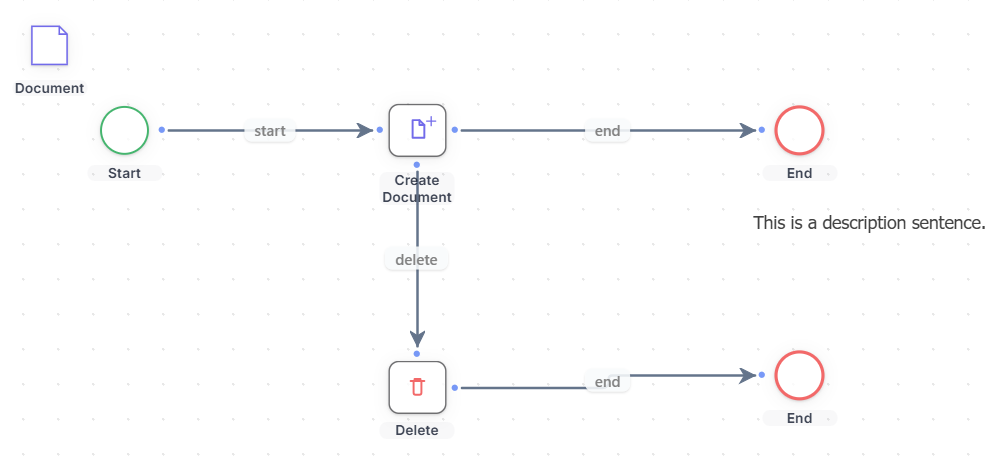
In this example, "This is a description sentence." is written using the Label tool. This tool enables writing any type of description.
 AI Assistant