Disable Controlv5
This action prevents users from modifying the value of a specified form control.
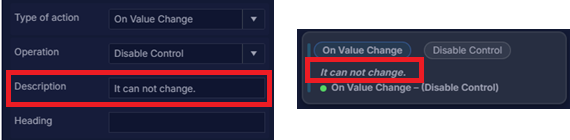
PropertiesDescription: Specifies a description for the action. This description serves as a reference for developers, indicating the purpose of the action. The entered value is displayed in the Actions menu.
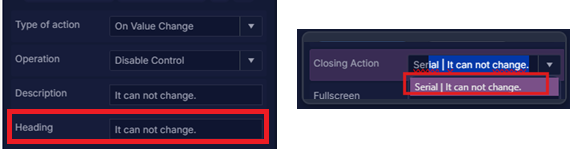
Heading: Defines the name displayed in the Form Action list. The heading is also displayed when the Disable Control action is selected from other actions.
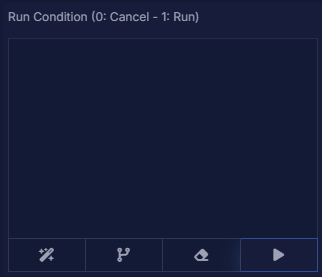
Run Condition: If the query entered in this field returns '0', the action will not be executed.
Request Confirmation: Determines whether confirmation is required before executing the action. When enabled, the Confirmation Message property becomes available, allowing you to define the message displayed to the user.
Example
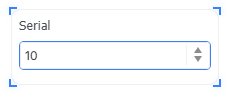
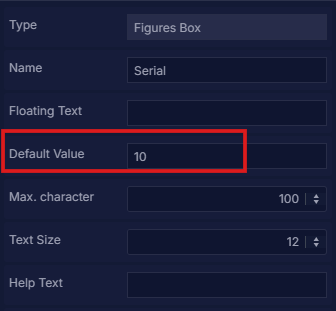
Suppose you have a Number Box used to store a serial number. You assign it a default value through its properties and do not want users to modify it.
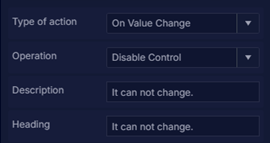
Assign the Disable Control action to the When Value Changed event of the Number Box.
Once the action is applied, users will no longer be able to change the value of the Number Box. |


 AI Assistant