Load Query Resultv5
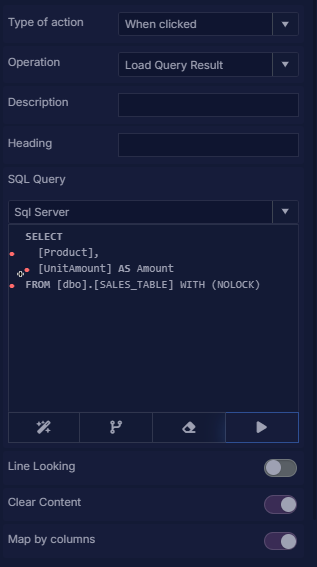
This action allows a prepared report or information query to be transferred to the Grid form control added to the form.

Properties
Description: A description of the action is entered.
Heading: Specifies the title that will be displayed in the Form Action area.
SQL Query: The area where the SQL query is entered.
Line Looking: Determines whether the rows of the transferred list can be navigated one by one.
Clear Content: Determines whether the Grid content should be cleared before loading new data.
Map by Columns: Determines whether the query results are matched with the Grid column names. If this option is not selected, data transfer is performed according to the column order.
Run Condition: If the value entered in this query is "0", the related action will not be executed.
Request Confirmation: Determines whether confirmation is required before running the action. If this option is enabled, the Request Message property becomes available and the message displayed during the confirmation request can be entered.
Example Usage
In this form, there are Button and Grid form components. After selecting the When Clicked action for the button, the Load Query Result operation is selected. Then, the query of the table from which the records will be retrieved is entered into the SQL field.
The Grid contains two columns according to the query results.
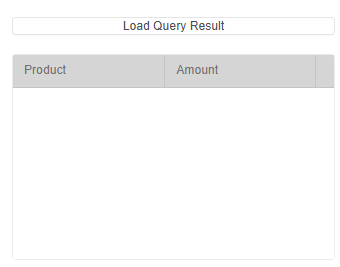
Client view
As a result, when the button is clicked, the data returned from the query is loaded into the Grid form component.
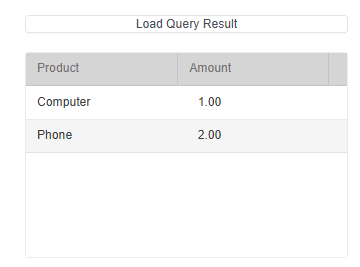
Client view
 AI Assistant