Open Line Discount Screenv5
The Open Line Discount Screen action opens the Line Discount window for the currently selected row in a Grid, allowing users to apply a discount percentage to that row.

Properties
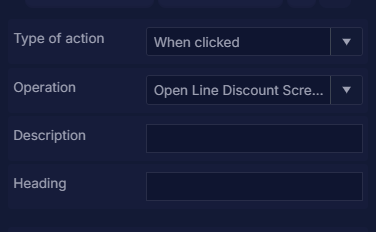
Description: Enter a description of the action. This field serves as a reference for developers to describe the purpose of the action.
Heading: Specifies the name displayed in the Form Actions list when the action is added to a form.
Run Condition: If the SQL query entered in this field returns 0, the action will not be executed.
Request Confirmation: Determines whether the user should be asked for confirmation before the action is executed.
When enabled, the Confirmation Message property becomes available, allowing you to define the confirmation message displayed to the user.
Example Usage
This action operates on a Grid control.
To use this action:
- Add a Grid to the form.
- Ensure the Grid contains a field that stores the field type information.
- Configure the Amount column to use a decimal number format.
- Add a button to the form.
- Assign the Open Line Discount Screen action to the button's When Clicked event.
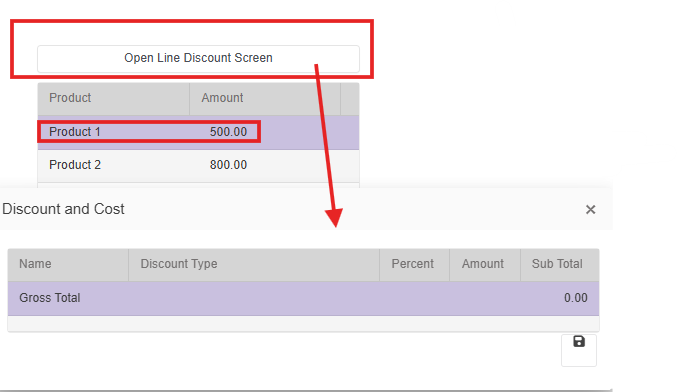
When the button is clicked, the discount screen opens for the currently selected Grid row.
To apply a discount:
- Select a row in the Grid.
- Click the Open Line Discount Screen button.
- Enter the desired discount percentage.
- Click Save.
The value in the Amount field is automatically recalculated based on the entered discount percentage.
 AI Assistant