How to Find Your Xpoda Client Addressv5
- When creating a membership on the Xpoda website, the domain name you choose becomes your Xpoda Client address.
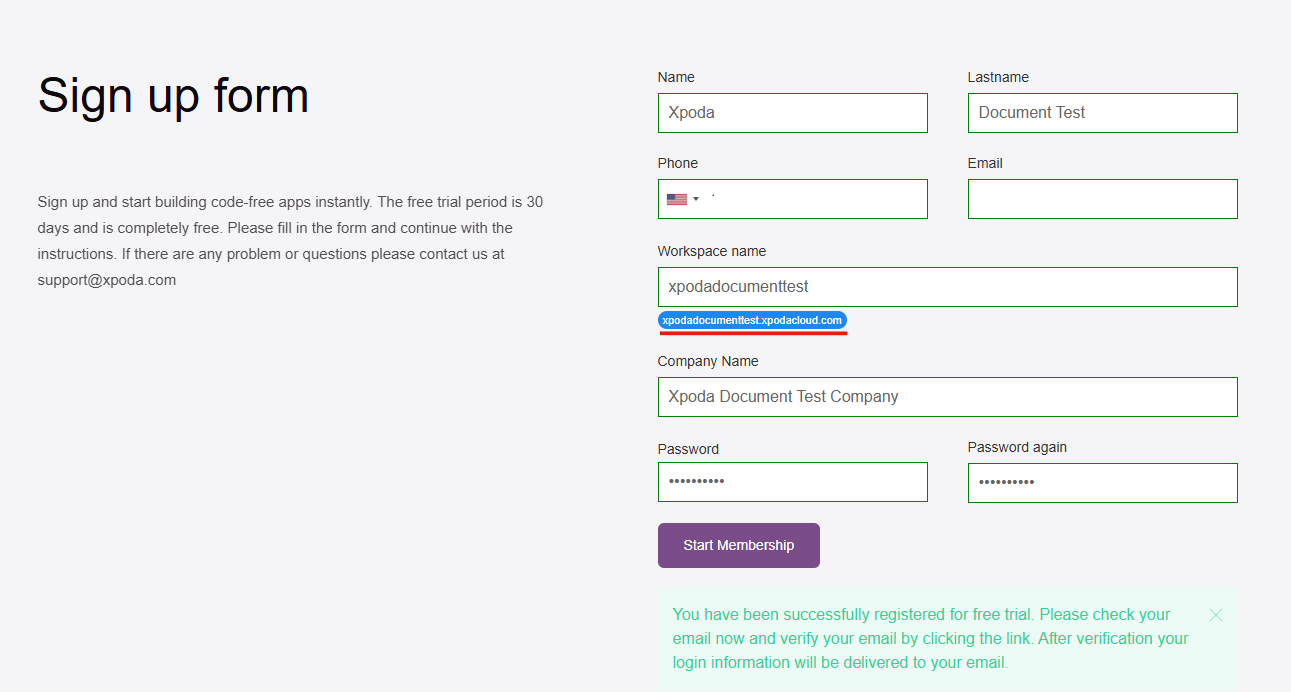
After clicking the Create Account button, a membership verification e-mail will be sent to your registered e-mail address.
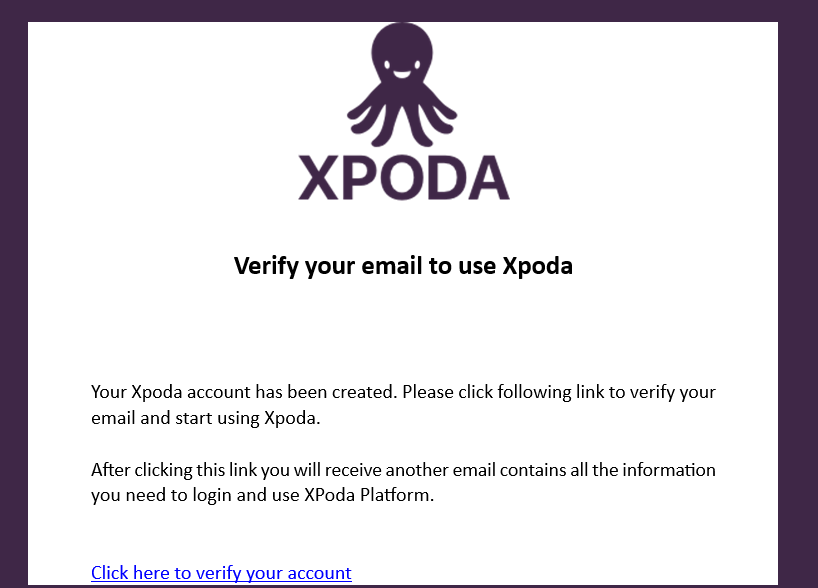
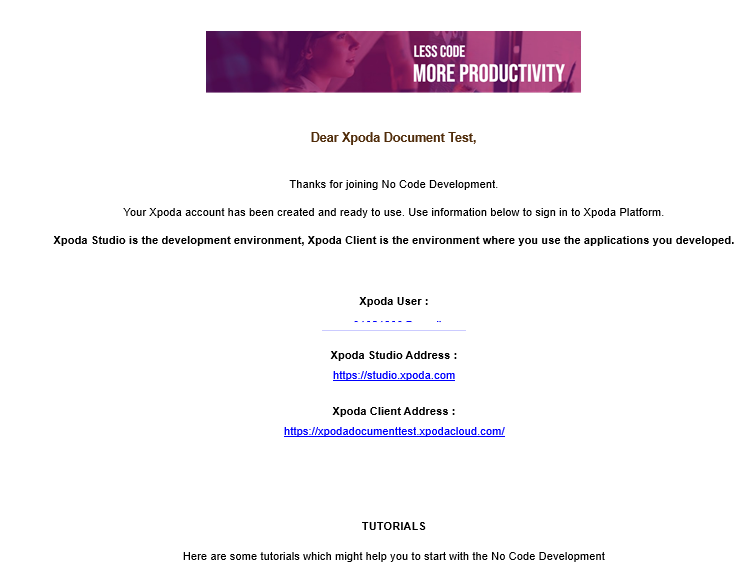
- After verifying your membership, you can also find your Xpoda Client address in the confirmation e-mail.
- You can access your Xpoda Client address by clicking the Run Xpoda button located in the upper-right corner of the Xpoda Studio home screen.

The address displayed in the opened new tab is your Xpoda Client address.

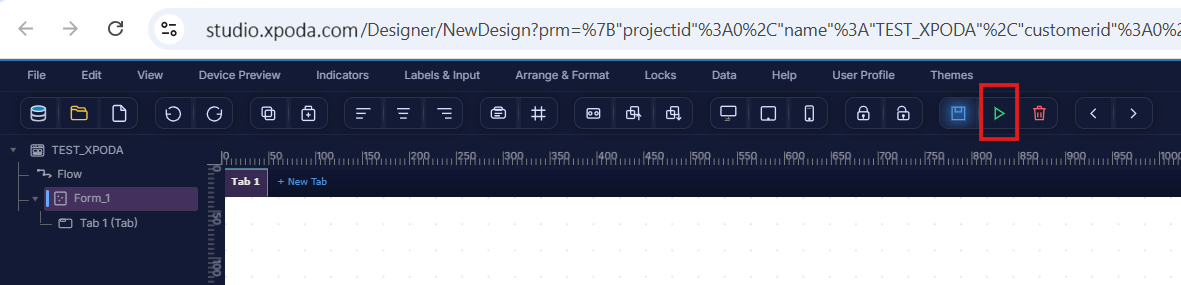
- You can also view your Xpoda Client address by running your projects in Xpoda Studio using the Run button.

 AI Assistant