Radio Groupv5
The form tool used when only one of several options should be chosen on the form page. More than one option cannot be selected with this tool.
|
Appearance in Toolbox |
Appearance in Free Form |
Appearance in Responsive Form |
|
|

Compatibility
| Free Form | Responsive Form | Mobile |
Properties of the Radio Group tool |
||||||||||
|
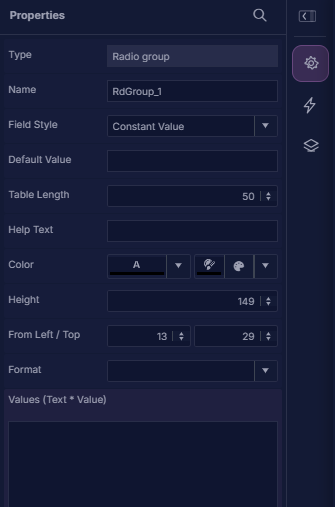
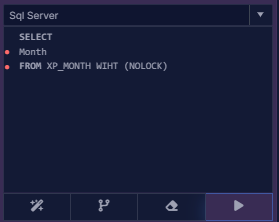
Type (Field Type): Shows the field type of the added form tool. This value cannot be changed. Name (Field Name): The name of the field to be created in the database is written here. Field Style: Choose where the values in the Radio Group come from (constant value, SQL Query or Xpoda Addon).
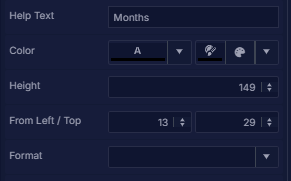
Default Value: The value entered here appears in the form tool on the Client screen by default. Table Length: The length of the field to be created in the database is entered. Later changes here do not affect the database. Help Text: Text shown as a description when the mouse is moved over the form tool.
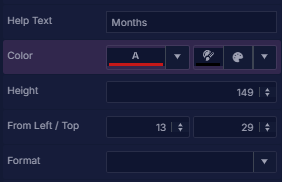
Color: Sets the colour of the form tool and/or the text inside it.
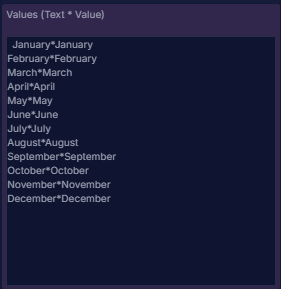
Height: Sets the height and width of the form tool (the width field has been removed from Responsive Forms). Format: Choose the type (Text, Decimal, Integer...) in which the information is saved to the database after saving. Values: This field changes according to the choice made in Field Style.
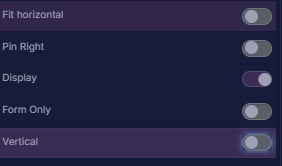
Form Only: Keeps the information entered in the form tool only in the form without saving it to SQL. Later changes here do not affect the database. Vertical: Shows the added options side by side.
|
 AI Assistant