DB Queryv5
This flow item enables transferring data to the database by executing a query.

Flow Items view

Design screen view
Properties
Text: The text displayed on the screen is entered here.
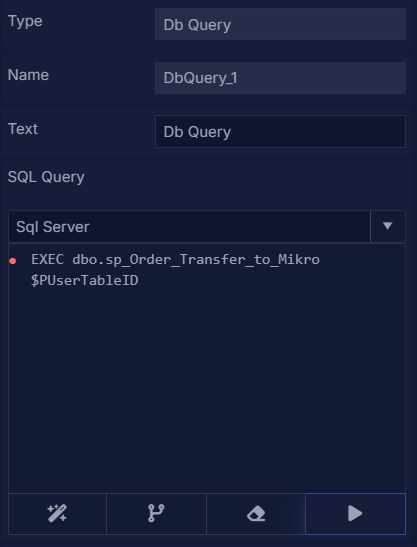
SQL Query: Data is transferred to the database by executing a query. For example, this can be done by executing a procedure.
To use a DLL within the flow, select the C# Library option by changing the SQL Server field in the query section of the Db Query object.
Mapping: This is the section where the connection settings between Db Query and the flow form are configured.
Example Usage
In this example, data from Xpoda is transferred to the Mikro application. This control performs the integration.
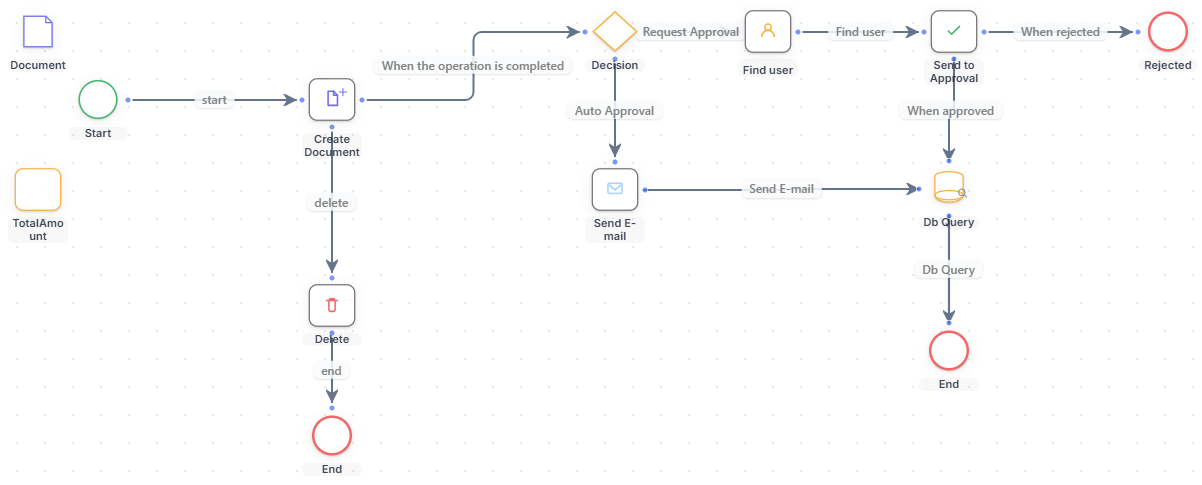
For example, the conversion to Mikro was executed in this query.
 AI Assistant