Deletev5
This flow control comes ready on the flow screen. It is a standard control for a deleted document.

Flow Items view

Design screen view
Notes
When a document in the relevant form is deleted, the flow appears at this step. After this, it is connected to the end of the flow.
Properties
Text: The text displayed on the screen is entered here.
Example Usage
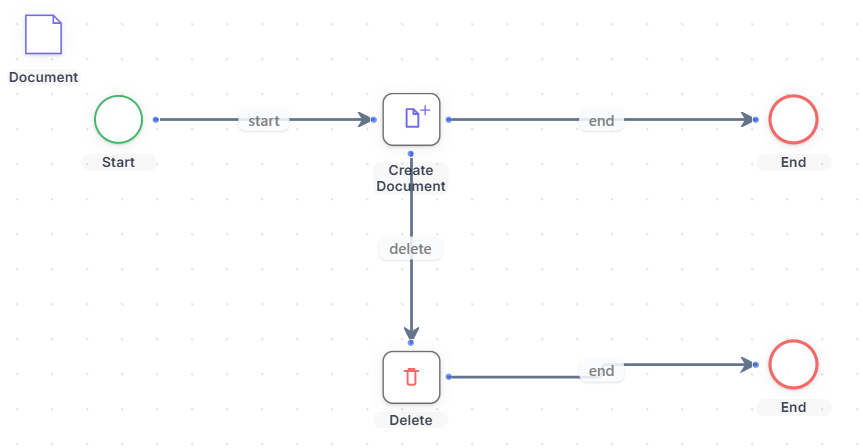
The Delete control is placed on the screen to delete the document in the flow after the Create Document step.
If a saved record is deleted from the flow form, the flow proceeds to this step. Then, when the document is deleted, if an End control follows the Delete control in the flow, the flow ends.
Flow screen
 AI Assistant