Endv5
This flow control comes ready on the flow screen. It is a standard control that indicates that the flow has ended.

Flow Items view

Design screen view
Notes
This flow control comes after the final flow controls. There is no Connection after this flow because the flow ends at this step. This control must be the final step of the flow.
Properties
Text: The text displayed on the screen is entered here.
Example Usage
The End control is placed on the screen to terminate the flow after all controls have been completed. This control is included in the flow diagram to indicate that the flow has ended.
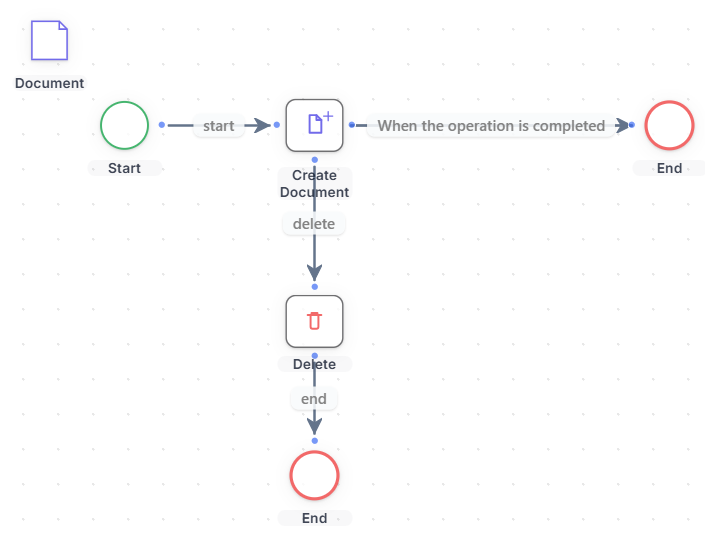
Flow screen
 AI Assistant