Startv5
This flow control comes ready in the flow screen. It enables the flow to start. It is a standard control.

Flow Items view

Design screen view
Notes
This control is only important for starting the flow. The Create Document control comes after this control.
The arrow between flow controls is created by holding the arrow displayed by the mouse over the flow control and dragging it to the next flow control. The arrow type is Connection.
The Source (Resource) and Target fields in the properties of this Connection represent the previous and next flow controls for the Connection and are filled in automatically.
The Resource Results field of the flow control represents the result of the flow control. If the flow control has only one result, this field is selected as No Requirement.
Properties
Text: The text displayed on the screen is entered here.
Example Usage
The Start control is placed on the screen to start the flow without a connection after the Document control.
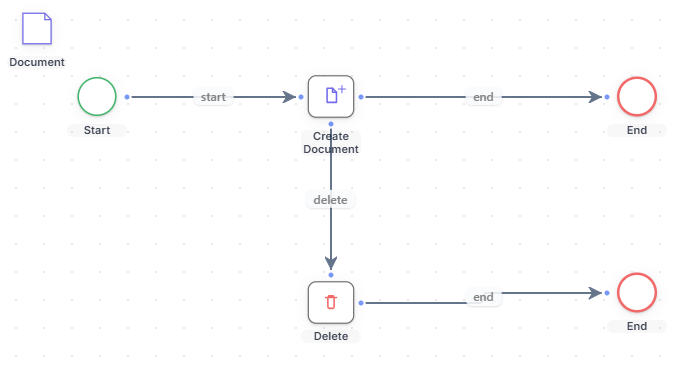
Flow screen
 AI Assistant